Team, roles, and permissions
Invite your team in seconds. Control exactly what technicians can see and do. Administrators run the business, and technicians run their jobs.
Invite your team
Go to Settings, then Team. Invite each person by email. They click the link, set a password, and join your business.
ServicePilot bills you for each active user. An annual plan saves about two months.
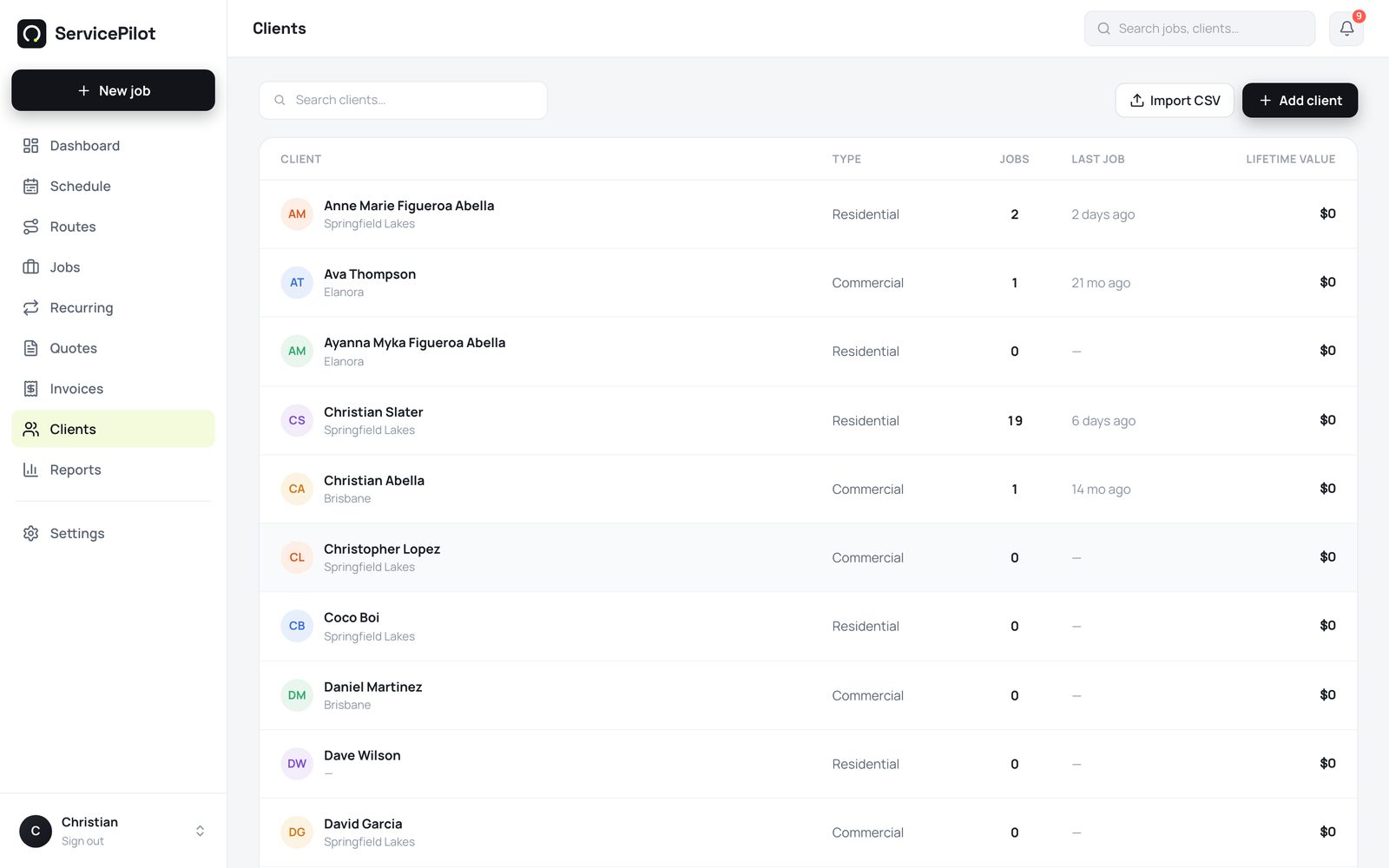
Two roles, no confusion
There are two roles. A company administrator sees and controls everything: jobs, quotes, invoices, assignment, settings, and billing.
A user (technician) sees their own schedule, their assigned jobs, and the unassigned pool. A technician can update jobs, take photos, and record payments. A technician cannot change quotes, prices, or settings.
Administrators control assignment
Only an administrator can assign or reassign a job. ServicePilot enforces this in the database, not just in the buttons. Your board stays under control.
The same rules everywhere
The permissions work the same way on the web, iPhone, and Android. A technician's phone shows a focused app: Home, Schedule, Jobs, and Invoices. The app stays simple.
Common questions
Can a technician send a quote?
No. Quotes are administrator-only, including AI drafts. Technicians do the work, and administrators control what goes to customers.
How does the timer work?
A technician taps Clock on at the start of a job and Clock off at the end. There is one active timer for each person. When the technician switches jobs, ServicePilot closes the previous timer. The hours show on the job, in Timesheets, and as labour cost when you set hourly rates.
Can I change someone's role later?
Yes. Go to Settings, then Team. The change applies the next time that person signs in.
What happens when someone leaves?
Deactivate the person in Team settings. They lose access immediately. ServicePilot stops billing you for that seat.
Run your trade business on autopilot
Quotes, jobs, scheduling and invoicing - 14 days free, no card required.