AI quoting: make a priced quote in seconds
See how ServicePilot's AI drafts a complete, priced quote from a short job description or a forwarded email. The AI uses your own price list.
Describe the job in plain words
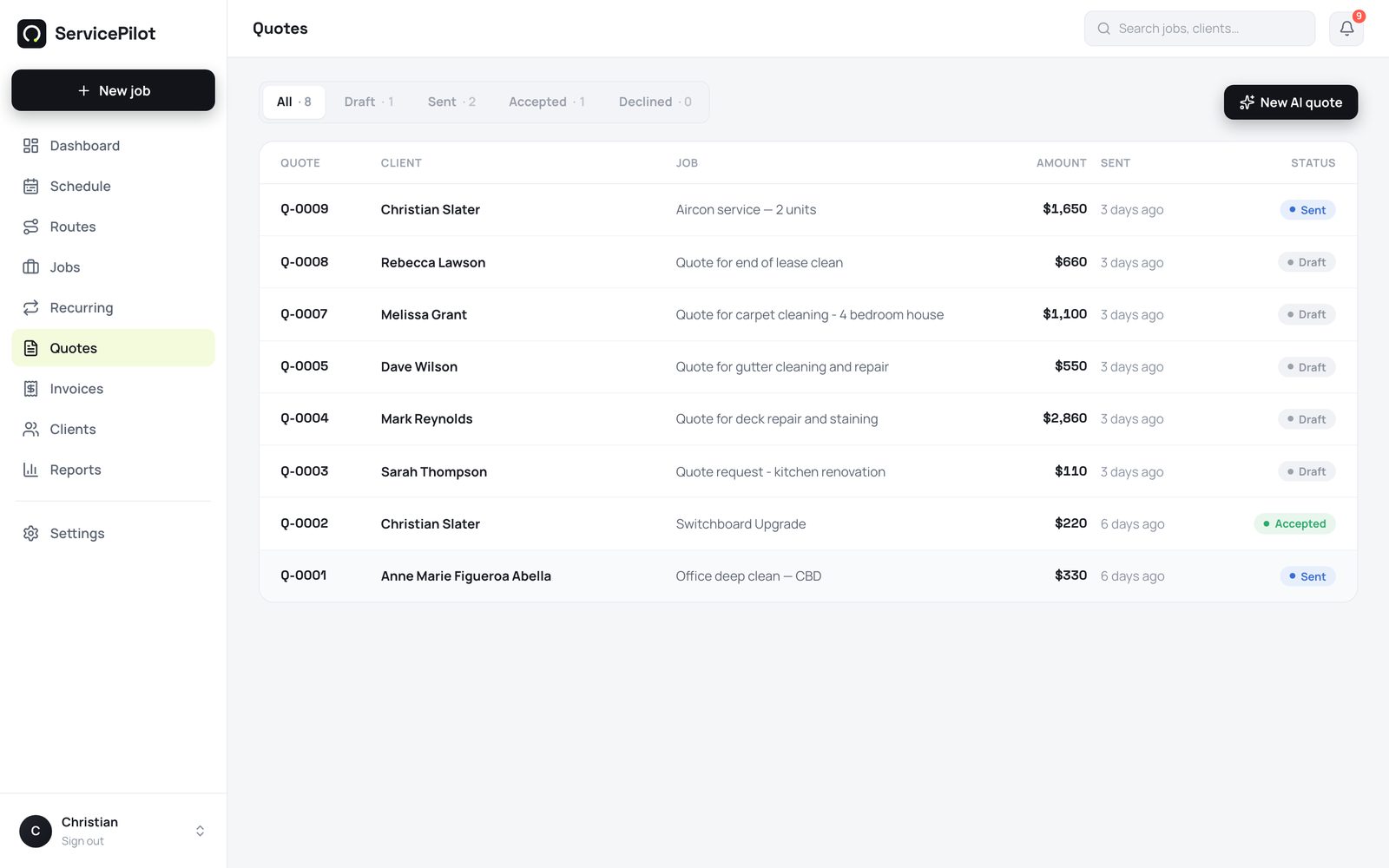
Go to Quotes, then New quote. Type what the customer wants. For example: “3 bed 2 bath end-of-lease clean in Kangaroo Point, oven, internal windows, carpets in 3 rooms”. Select Draft with AI (artificial intelligence).
The AI prices from your price list
In a few seconds, ServicePilot shows itemised lines. These include the call-out fee, labour, and materials. The AI prices each line from your own price list. If the AI cannot match an item to your rates, it marks the item needs price. The AI never invents a price.
Check the quote and send it
Change the quantities and rates directly on the quote. Then send it. The customer gets a branded quote link. The customer can accept and sign the quote online. ServicePilot tells you when the customer opens the quote and when the customer accepts it.
Make a quote from a photo
On the mobile apps, open the AI quote screen. Select Add photo and photograph the job, such as the switchboard, the leak, or the lawn. The AI lists the items it sees and prices them from your rates. You then check the quote. A photo, a written description, or both together all work.
Make a quote from an email
Go to Settings, then Email to quote. You get a private forwarding address, for example [email protected]. Forward your enquiry inbox to this address. ServicePilot turns each customer email into a draft priced quote. You check the quote, then reply to the customer.
Common questions
Does the AI ever invent prices?
No. The AI matches lines only to your own price list. It marks unmatched items for you to price. ServicePilot sends nothing until you check it.
What does AI quoting cost?
Your plan includes a set number of AI quote drafts each month. You can buy more drafts as prepaid packs in Settings. Drafts from prepaid packs do not expire.
Can I still build quotes by hand?
Yes. Add line items from your price list, or type them in. The AI saves time, but you do not have to use it.
Can it make a quote from a photo?
Yes. On iPhone and Android, attach up to 3 photos of the job. The AI lists what it sees and prices it from your price list. Photos and text work together.
Run your trade business on autopilot
Quotes, jobs, scheduling and invoicing - 14 days free, no card required.