Best Job Management App for Electricians in Australia
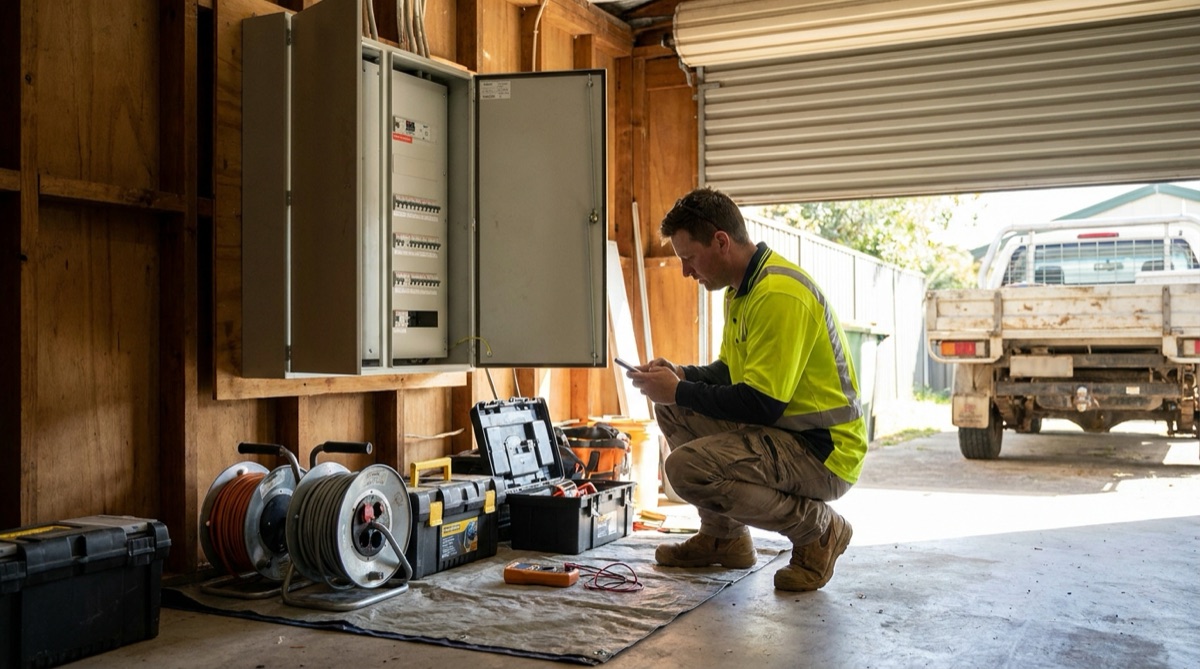
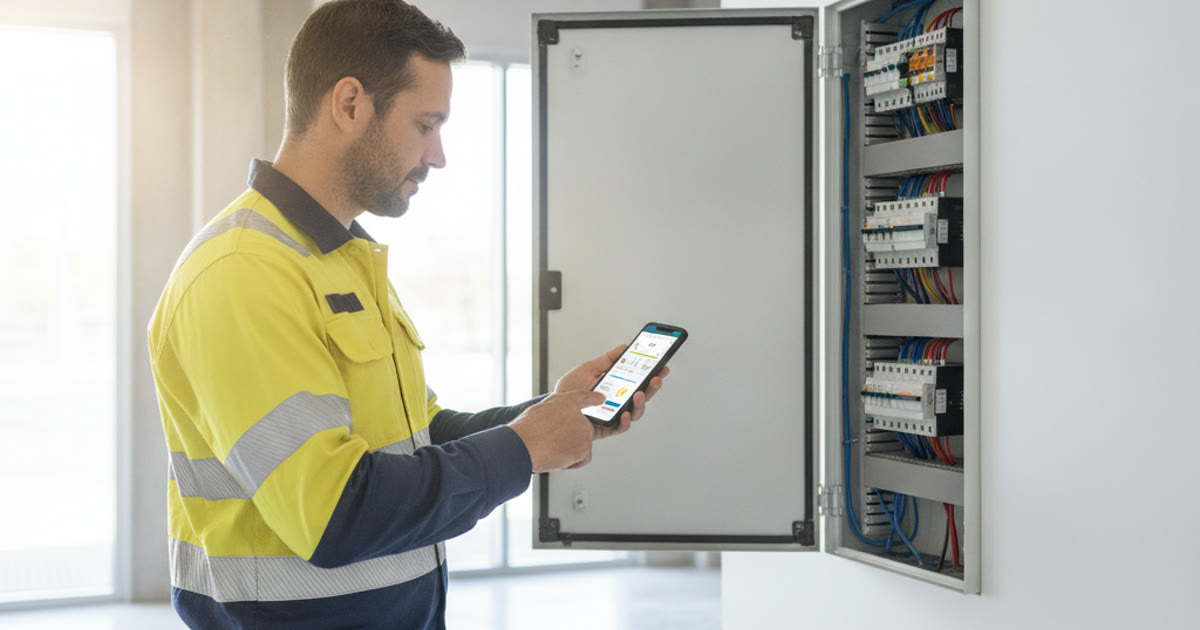
Sparkies do not need software that does everything. They need software that quotes fast, tracks materials, handles the compliance paperwork and gets the invoice paid before you leave the site. Here is what actually matters when you pick one.
What electricians actually need from the software
Most job management apps are built for "trades" in general, which usually means they are built for no trade in particular. An electrician's day is not a plumber's day. You are switching between a switchboard upgrade, three GPO adds, a test-and-tag run at a childcare centre and a fault call where nobody can tell you what tripped. The software either keeps up with that or it slows you down.
The apps that work for sparkies get a few things right. Quoting is quick because your common items already have prices. The compliance paperwork has somewhere to live, attached to the job. Recurring work reschedules itself. Materials get tracked as you use them, so the invoice is not missing half the cable. And you can take payment on the spot instead of chasing it for weeks. Miss any of those and you feel it every week.
Fast quoting from a price list
The single biggest time-saver for an electrician is a proper price list. If your standard items, a double GPO supply and install, a downlight changeover, a safety switch, a hot water circuit, already have labour and materials attached, a quote becomes a few taps rather than a blank page you dread on a Friday night.
Good quoting software lets you build that catalogue once and reuse it forever. You pick the items, adjust the quantities, add the site-specific notes, and the price is right because it came from your numbers. When the wholesaler price on cable moves, you update it in one place and every new quote reflects it. The sparkie who can send a clear, itemised quote from the van while the customer is still standing there usually wins the job over the one who says "I'll email you tonight" and forgets.
ServicePilot goes a step further and can draft a quote from a job description using your own catalogue items, so the boring first pass is done for you. You still review every line and set the labour. The tool does the typing, you keep the judgement.
Certificate of Compliance and the paperwork trail
This is where general-purpose apps fall down for electricians. Depending on your state you are issuing a Certificate of Compliance, a Certificate of Electrical Safety, or a Compliance Certificate, and that document has to be tied to the specific work. Rules and names differ between NSW, Victoria, Queensland and the rest, so the software should not force one state's terminology on you. What it must do is let you attach the certificate, the test results and the photos to the job so the whole record lives in one place.
When a certificate, before-and-after photos of the board, and the signed-off quote all sit on the same job, you are covered if anyone questions the work later. You can find it in seconds instead of digging through messages. That trail also makes your invoice more defensible, because the customer can see exactly what was done and certified.
Test-and-tag, RCD testing and recurring work
A lot of electrical income is repeat work on a schedule. Test-and-tag for offices, RCD push-button and trip-time testing, exit and emergency light checks, thermographic scans. This is bread-and-butter revenue, and it is exactly the work you forget to book if it lives in your head or a spreadsheet.
The right app lets you set a job to recur, monthly, quarterly, six-monthly, annually, and it creates the next one automatically. Here is what to look for in recurring work handling:
- Set a job to repeat on any interval and have the next one generated for you.
- Carry the site, contact and scope across so you are not re-entering the same childcare centre every quarter.
- See upcoming recurring jobs on a schedule or calendar, not buried in a list.
- Attach test records and asset registers to each visit for the compliance history.
- Turn a completed recurring visit into an invoice without rebuilding it from scratch.
Get this right and the recurring work runs itself. You stop leaving money on the table because a quarterly test-and-tag slipped through, and your regular clients get their reminders like clockwork.
Materials tracking: cable, GPOs and switchboards
Electrical jobs live and die on materials. Cable by the metre, GPOs, switches, breakers, RCBOs, a whole switchboard on a bigger job. If those are not captured as you go, they do not make it onto the invoice, and you have quietly given away hundreds of dollars in gear.
Look for software that ties materials to the job, ideally pulled from the same catalogue you quote from. When you add a run of 2.5mm twin and earth or a new switchboard to the job record on site, it flows through to the invoice automatically. Better still if the app tracks what you carry on the van, so you know when you are running low on downlights before you turn up short. The point is simple: bill for what you actually used, every time, without relying on memory at the end of a long day.
Scheduling, GST invoices and getting paid on site
Electricians are rarely in one place. You might have a morning fault call, a switchboard job after lunch and a test-and-tag booking across town. A clear schedule that you and any second hand can both see stops the double-bookings and the "where are you" phone calls. Drag a job to a new time, and everyone knows.
Then there is getting paid. In Australia, if you are registered for GST your tax invoice has to show the GST and your ABN, and the software should handle that without you doing sums in your head. The real win is taking payment before you leave. An app that turns the finished job into a GST invoice and lets the customer pay by card on the spot means the money is in, the job is closed, and you are not sending statements a month later. For residential work especially, "tap here to pay" beats "I'll do a bank transfer" nearly every time.
If you want to see how these pieces fit together for the trade specifically, the ServicePilot electrical page walks through quoting, compliance, scheduling and payment in one place.
What to look for, in one checklist
- A reusable price list for your standard electrical items, with quick quoting on top.
- Somewhere to attach a Certificate of Compliance, test results and photos to the job.
- Recurring jobs for test-and-tag, RCD and emergency-light work that reschedule themselves.
- Materials tracking that flows cable, GPOs and switchboards straight to the invoice.
- A shared schedule you and your team can see and reorder.
- GST invoices with your ABN, and card payment you can take on site.
- Works on your phone in the field, not just on a laptop in the office.
- Australian support and pricing, not a US tool bolted onto local tax rules.
Frequently asked questions
Does ServicePilot handle Certificates of Compliance for different states? You can attach your certificate, test results and photos to each job so the compliance record stays with the work. Because the naming and rules differ between states, the app keeps the document with the job rather than forcing one state's format on you, and it is all searchable later.
Can I set up recurring test-and-tag jobs? Yes. You can set a job to repeat on any interval, and the next visit is created for you with the site and scope carried across. That covers test-and-tag, RCD testing and periodic safety checks without you re-booking them by hand.
Can customers pay me on the spot? Yes. You turn the finished job into a GST invoice showing your ABN and the tax, and the customer can pay by card there and then. For most residential jobs that means the money is in before you drive off, instead of chasing a transfer later.
Run your electrical jobs from quote to paid.
Try the full workflow free for 14 days. No credit card needed.
Start free